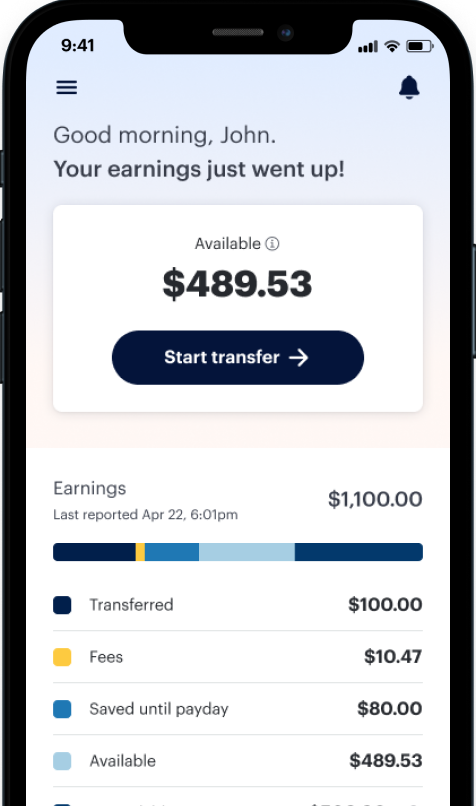

DailyPay lets you access your earned wages whenever you need them (fee may apply). To turn this feature on, we just need to finish setting up your direct deposit. It takes two minutes and ensures your money goes exactly where it belongs.
How to set up direct deposit in the DailyPay app
Whether you’re just getting started with DailyPay or would like to update your direct deposit, our help center articles have you covered!
What to expect after your first transfer with DailyPay
After your first On-Demand Pay transfer, your paycheck routes to DailyPay. On your normal payday, we send you what’s left — your regular paycheck amount minus any On-Demand Pay transfers you took, plus any applicable fees.
- Set up your direct deposit in the app. It’s the bridge between your hard work and your bank account.
- Heads up: You may see “Wells Fargo” or “PNC” on your pay stub or payroll app. That’s just DailyPay’s partner bank. Your money will arrive safely and on time at the bank account you set up in the DailyPay app.
Your financial future awaits!
It’s your money, you earned it. Start using the DailyPay app today.